




Focus Tower: Study Timer
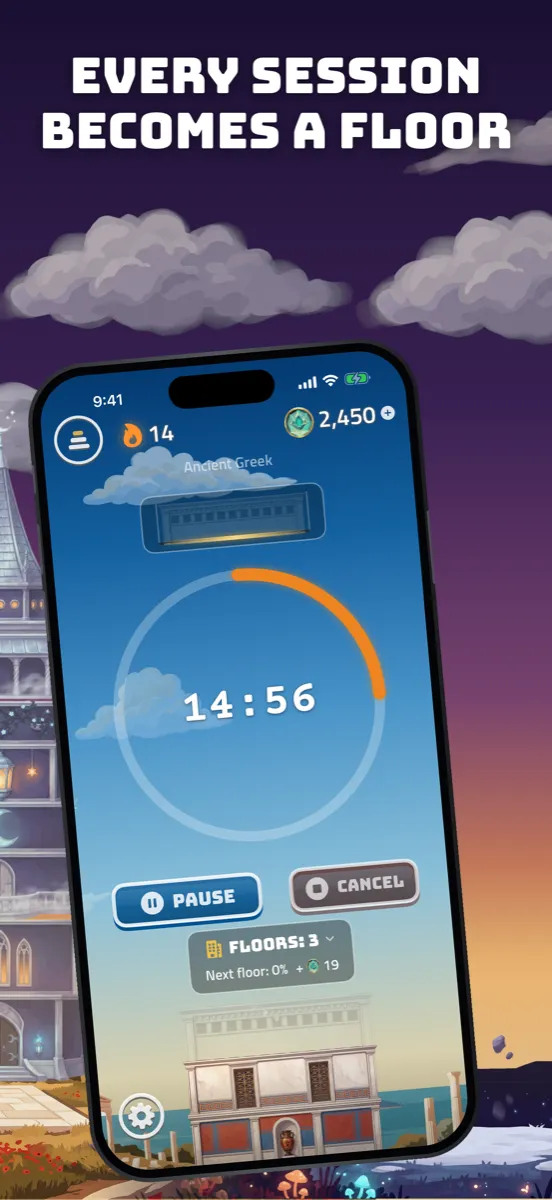
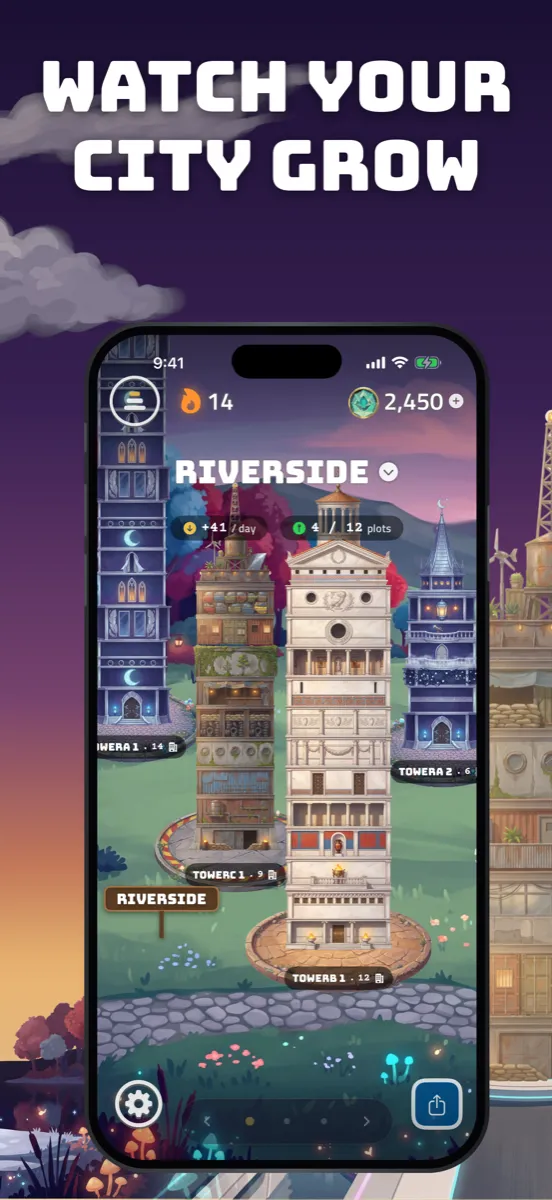
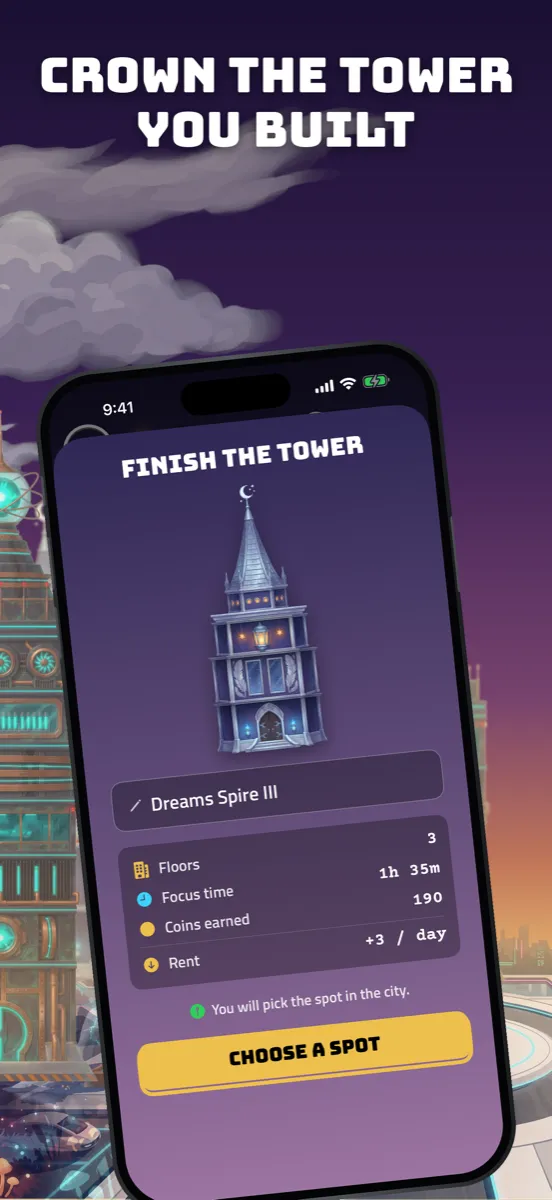
Every finished session becomes a floor. Every finished tower joins your city.

Free · One-time purchases only · No subscription
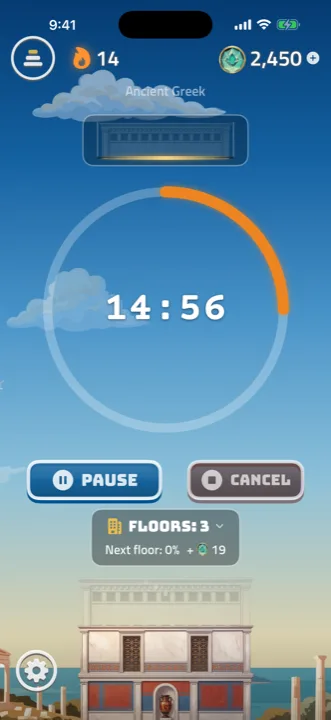
Focus for 25 minutes, gain a floor
Set the timer and put the phone down. When the session ends, a new floor is added to the tower you are building — so a week of work is something you can look at, not a number that resets.
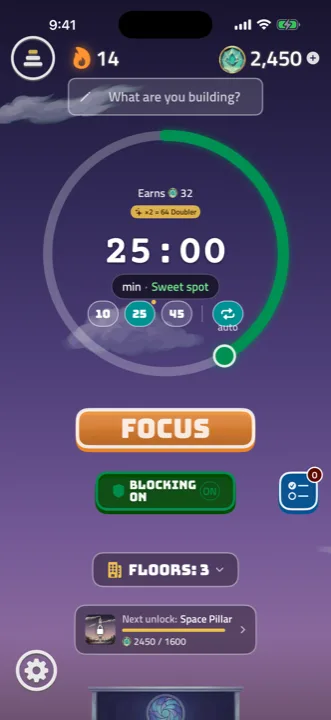
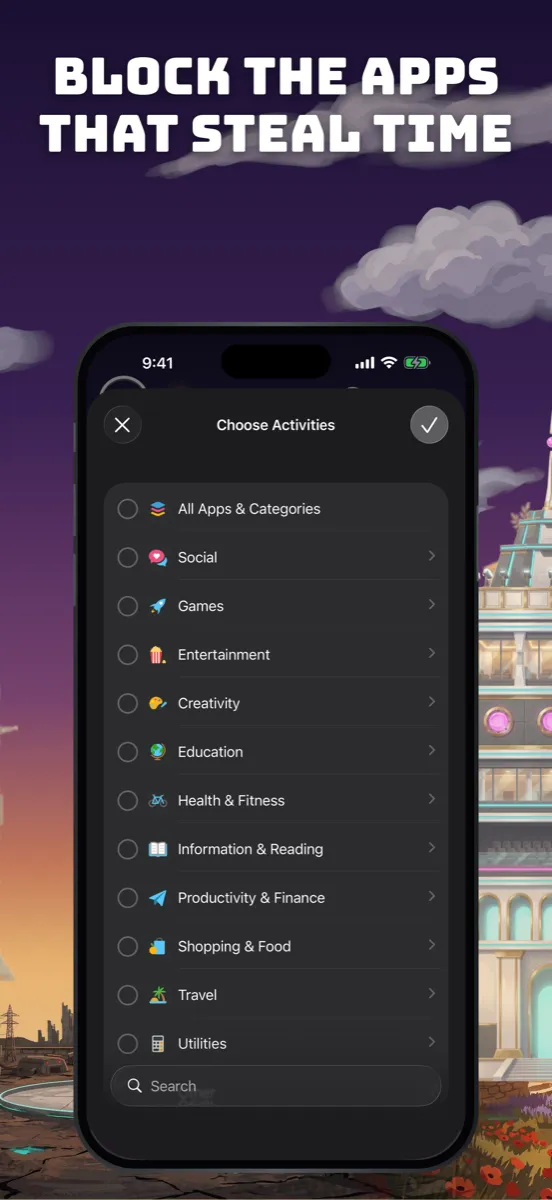
Shut the door while you work
Pick the apps that pull you away and they stay shut for the length of the session, using Apple's own Screen Time. It keeps working with the screen locked and outside the app. Free for everyone, with no limit.
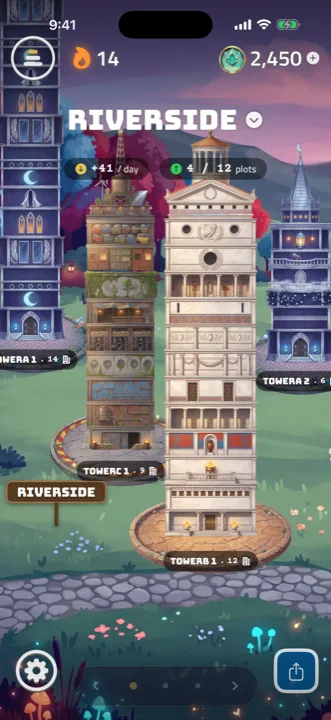
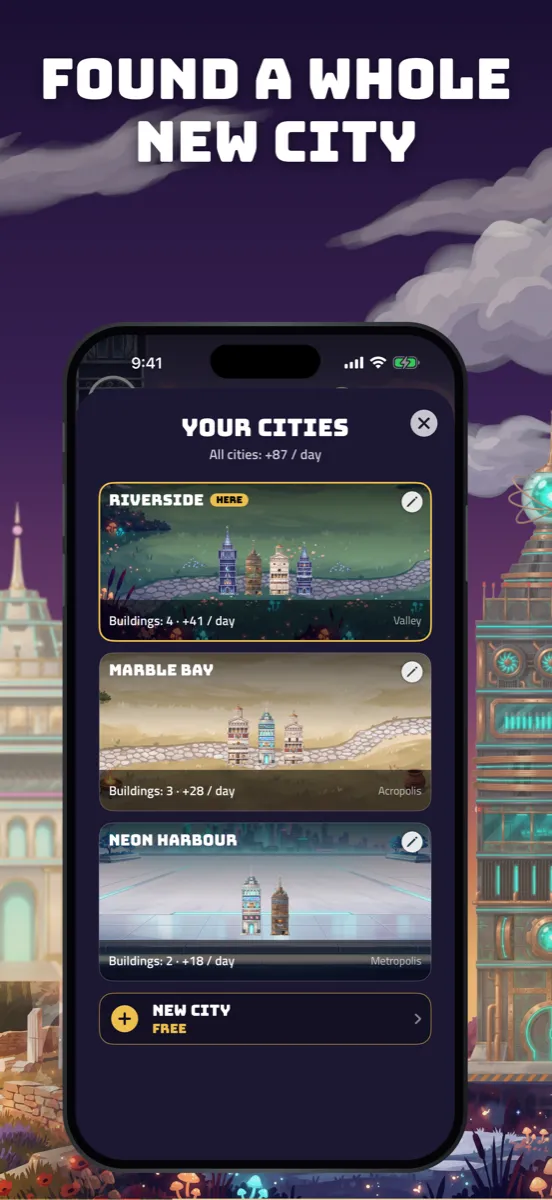
Your towers become a city
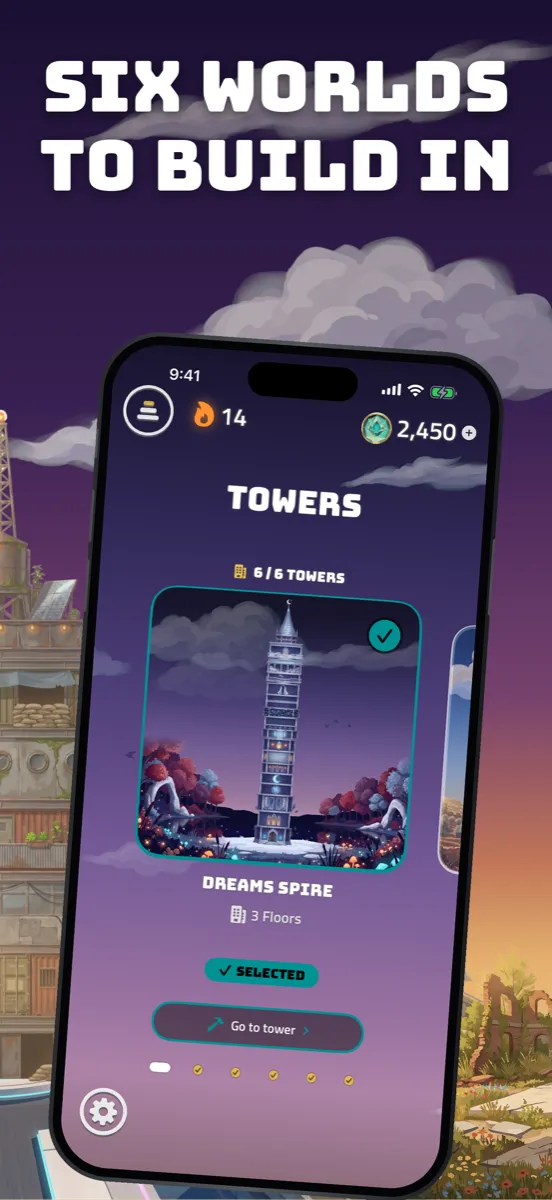
Put a roof on a tower and it moves into your city, where it stands for good and pays daily rent in coins. Six different lands to settle, each with its own weather, music and skyline.
A look inside
Proof you did the work
Everything you build is yours to take out of the app — for a thesis log, for hours you have to bill, or just to prove to yourself that the week really happened.
A spreadsheet
Every session as a CSV sheet: date, task, minutes, coins. Open it in Numbers or Excel and add it up however you like.
A printable page
The same sessions as a PDF table with the totals at the top — ready to hand in, or to file and forget.
A picture of your city
Save the whole city as an image and show someone what a month of focus actually looks like.
Honest and quiet
Nothing about your sessions leaves your phone except to your own iCloud, and purchases are handled by Apple. Read our privacy policy.
Questions
Is it free?
Yes. The timer, app blocking and your first tower cost nothing. Coins earned by focusing unlock the other towers over time; if you would rather not wait, one-time purchases are there. There is no subscription.
What if I lock my screen during a session?
Nothing is lost. The timer is wall-clock based, so locking the screen or leaving the app keeps the session running and the floor still gets built. There is an opt-in hardcore mode for people who want the stricter rule.
How does app blocking work?
Through Apple's Screen Time, so blocked apps stay shut system-wide for the length of the session — even with the screen locked. You choose which apps, and you can change them any time. It is free, with no limit on how many.
Can I get my sessions out of the app?
Yes. Export them as a CSV sheet or a printable PDF table — date, task, minutes and coins for every session — and save your city as an image. Nothing is locked in.
Do my towers sync between my devices?
Yes. Your towers, cities and history sync through your own iCloud account, so an iPhone and an iPad show the same city. We never see any of it.
What data do you collect?
None. No ads, no third-party trackers, no account to create. Your sessions stay on your device and in your private iCloud.
Build something out of the hours you already spend
Free to start, no account, no subscription. Set a timer and lay the first floor.
Questions? support@chili-logic.com